Free up your space in seconds
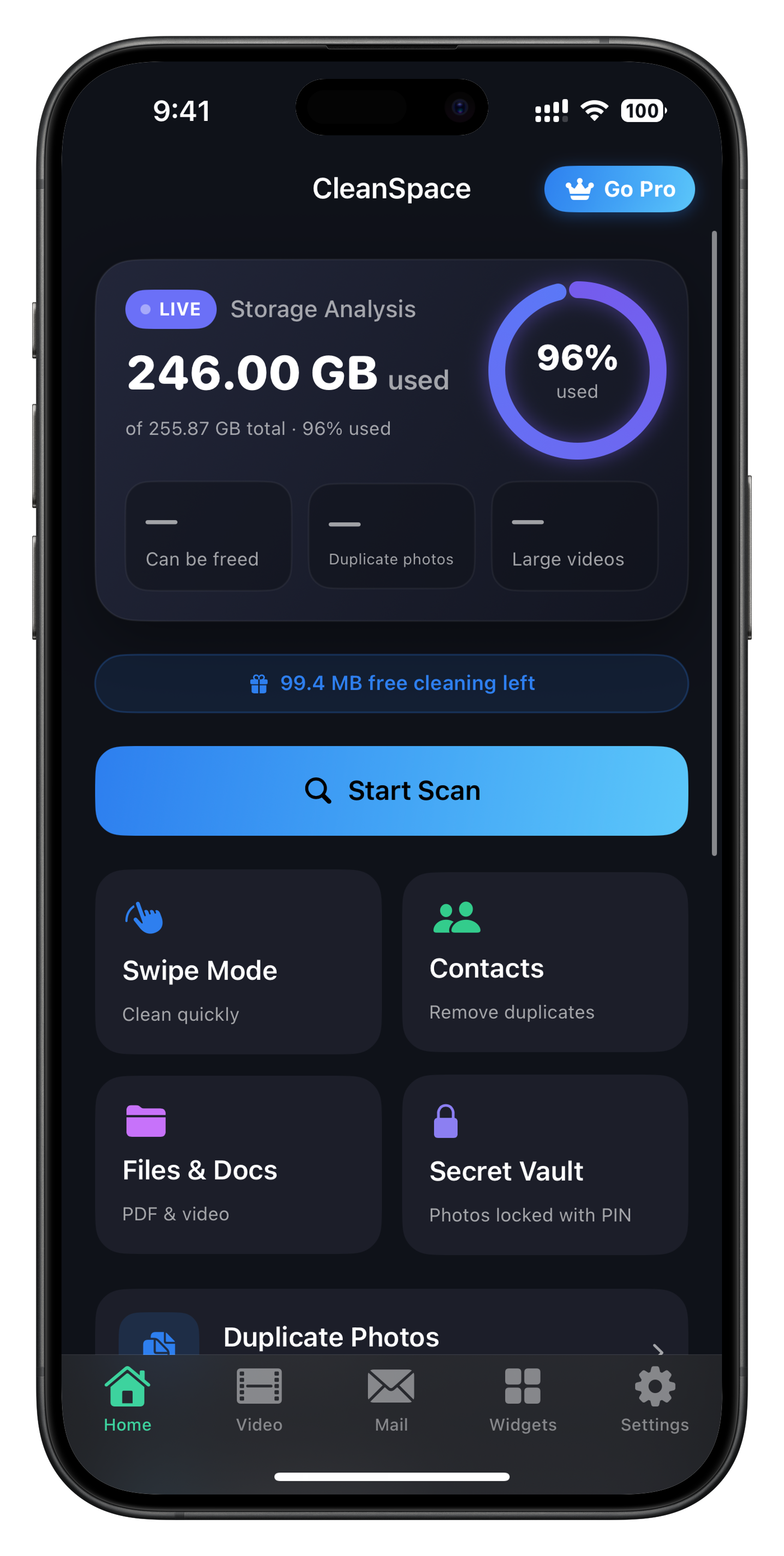
CleanSpace finds duplicate & similar photos, compresses videos, and tidies your library — all processed entirely on your device.
- Full privacy
- Works offline
- No account
- In 17 languages
Everything you need to clean up
Powerful tools, a simple interface, and full privacy.
Duplicates & look-alikes
We find identical and similar photos and remove them in a tap.
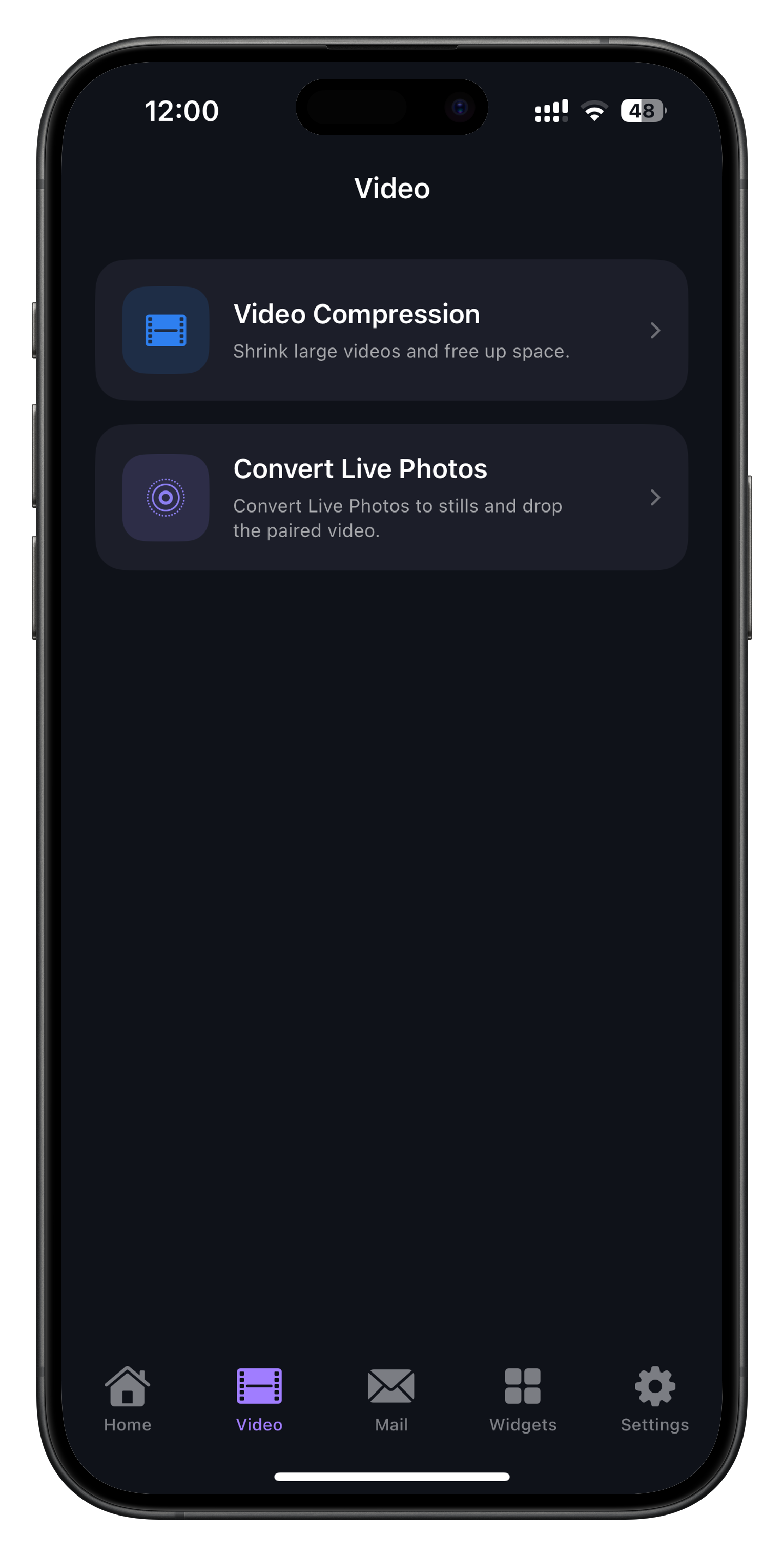
Video compression
Shrink videos and convert Live Photos to stills to save space.
Swipe mode
Review fast — swipe to keep or delete.
Duplicate contacts
Merge duplicate contacts while keeping every number and detail.
Files & documents
Find your largest files, PDFs and videos, and clear them.
Screenshot cleaner
Spot old screenshots and clear them in bulk.
Private vault
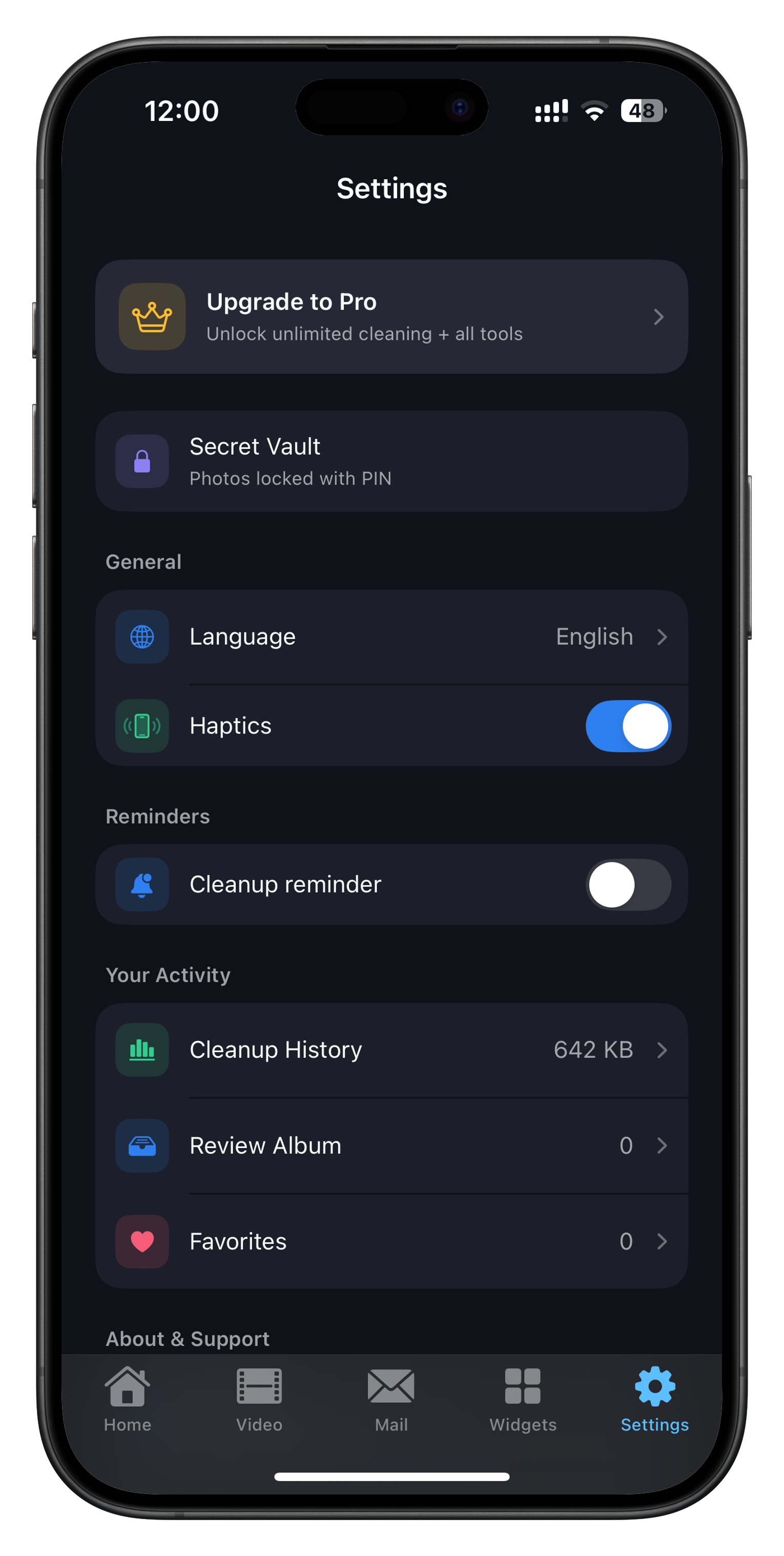
Photos locked with a PIN or Face ID, encrypted on-device.
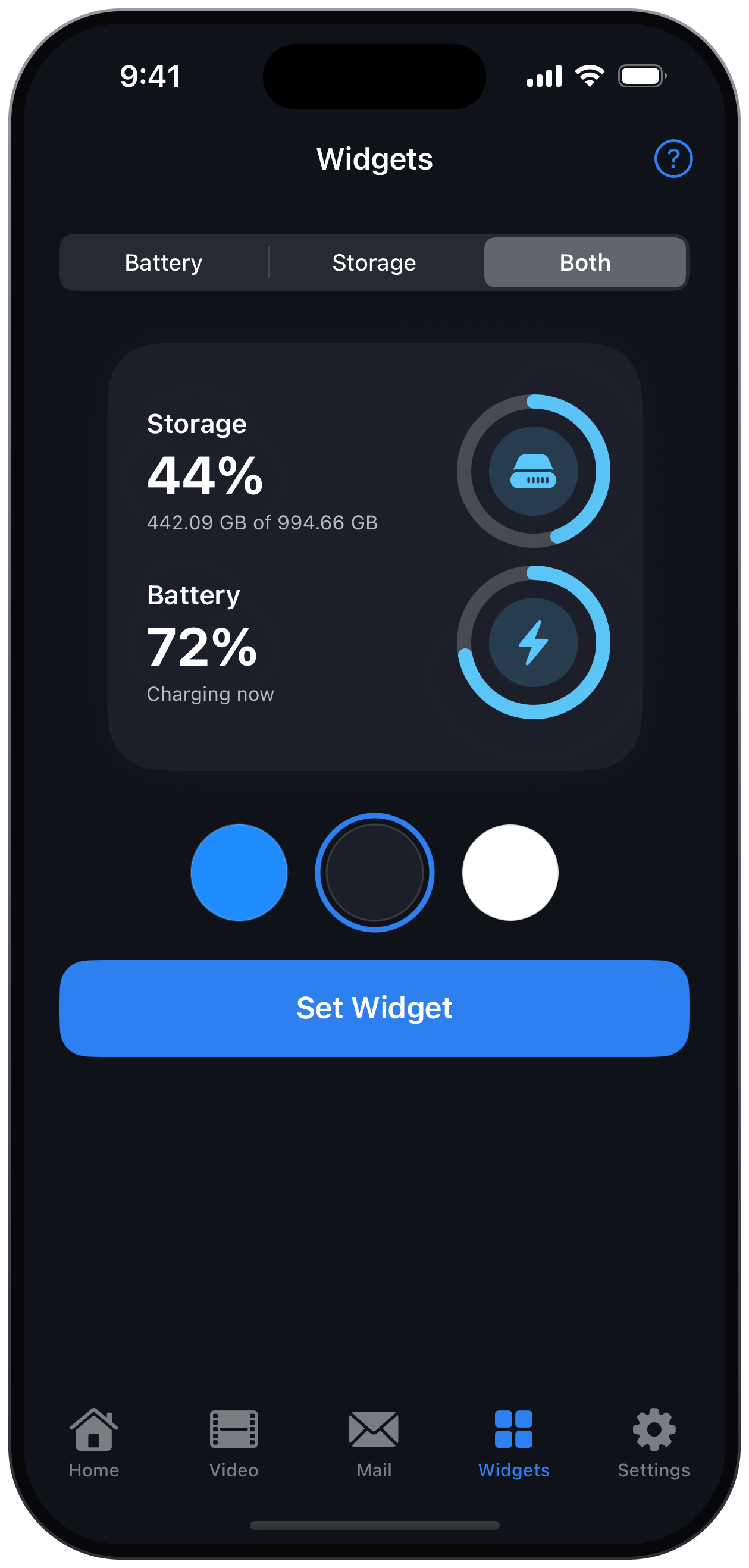
Home Screen widgets
See storage and battery at a glance from your Home Screen.
In 17 languages
A fully localized interface in your language — including Kurdish, Arabic and Persian.
Full privacy
Everything runs on-device — nothing is uploaded anywhere.
Just three steps
From clutter to clean space in a minute.
Scan
CleanSpace analyzes your whole library on-device — no internet needed.
Review
See duplicates, look-alikes and large videos — and how much you can reclaim.
Free up space
Delete what you don’t need in a tap — keep the best, remove the rest.
Simple design, clear results
Real screenshots from CleanSpace.
Your photos never leave your device — ever
All scanning, matching and deleting happen locally on your iPhone, powered by the chip itself. No servers, no uploads, no tracking.
Works offline
Runs entirely offline — no connection ever required.
No account
No sign-up, email or phone number. Just download and go.
No tracking, no ads
We don’t collect, sell your data, or show ads.
Encrypted vault
Private photos are locked with Face ID and encrypted on-device.
Choose your plan
Scan for free, subscribe to clean. Cancel anytime.
- Unlimited duplicate & similar removal
- Video compression & Live→Still
- Unlimited private vault
- No ads
- Priority support
- Unlimited duplicate & similar removal
- Video compression & Live→Still
- Unlimited private vault
- No ads
- Priority support
- Unlimited duplicate & similar removal
- Video compression & Live→Still
- Unlimited private vault
- No ads
- Priority support
Prices are illustrative and shown in your currency inside the app. The weekly and yearly plans are subscriptions that renew automatically unless auto-renew is turned off at least 24 hours before the period ends; Lifetime is a one-time purchase with no renewal. Payment is charged to your Apple account, and you can manage or cancel from your App Store settings.
Free vs Pro
Scan and analyze for free. Unlock full cleaning with Pro.
Questions people ask
Are my photos uploaded to the internet?
What do I get for free?
What’s the difference between Weekly, Yearly and Lifetime?
Is there a free trial?
Can I cancel anytime?
Is deleting safe? What if I remove something by mistake?
Ready to reclaim your space?
Download CleanSpace and start cleaning today.